Quick answer
A reliable image prompt names one main subject, one simple setting, a few visible details, and the desired line-art style. Specific, observable instructions usually help more than long strings of adjectives.
Key ideas
- Put the subject and its count first, then describe the action and setting.
- Describe detail as a practical constraint: large open spaces, bold contours, or a few interior marks.
- Change one prompt variable at a time so you can tell which instruction improved the result.
Start with the picture, not the adjectives
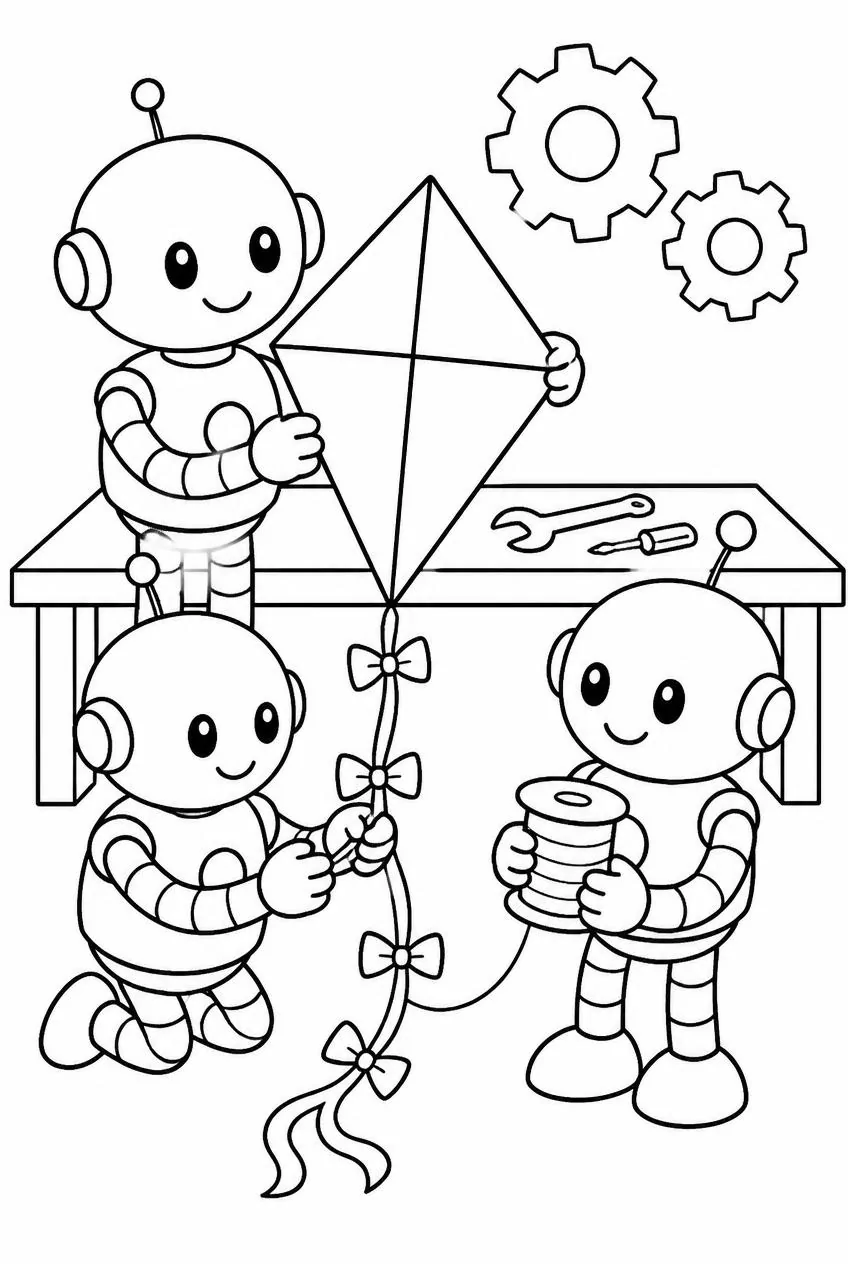
Begin with the subject, its number, and an action: “one friendly robot building a kite at a workbench.” That sentence gives the model concrete objects and a relationship between them. A list such as “beautiful, amazing, cute, professional” communicates mood but leaves the actual scene underspecified.
Add only the setting details that should appear in the drawing. “A workbench with two tools” is easier to render than a workshop full of shelves, posters, windows, toys, and labels. Each extra object competes for space and can make a printable page harder to color.
Specify what makes the output usable
For line art, talk about visible properties: clear black outlines, closed shapes, a plain background, large coloring areas, and no gray shading. These instructions describe the artifact rather than asking for an abstract quality such as “high quality,” which different systems may interpret differently.
Choose a detail level that fits the use. A preschool activity might ask for three large shapes and thick contours. A more advanced page can request a few patterned details while keeping the major regions open. Avoid pairing “very simple” with “lots of intricate detail”; those instructions pull in opposite directions.
Use exclusions as guardrails
A short “avoid” clause is useful when a predictable failure would spoil the page: no text, no logo, no background clutter, or no tiny isolated marks. Keep exclusions tied to the output’s purpose. A long negative prompt can spend more attention describing what is forbidden than what should be drawn.
If the scene contains a critical feature, state it positively instead of hoping an exclusion protects it. “Both wings visible” is more precise than “do not crop the bird.” “Leave open space around the face” gives a clearer composition target than a list of camera mistakes.
Iterate like a small experiment
Save the first prompt and result, then change one thing: simplify the background, reduce interior detail, or make the subject larger. Comparing those two versions teaches you more than rewriting every sentence at once, because the changed instruction is the likeliest cause of the difference.
When a result fails, name the failure in visual terms. “The page looks wrong” is hard to act on; “the grass became dozens of small closed loops” points toward a simpler background or less texture. Keep useful phrases in a small prompt library and remove wording that repeatedly produces unwanted detail.
Prompt starter
Try this structure: “A [number] [subject] [action] in [simple setting]. Black-and-white coloring-page line art, with [line quality] and [detail level]. Keep [important features] visible. Avoid [one or two likely distractions].” Replace each bracket with something you could verify by looking at the picture.
For a photo workflow, the photo already supplies the subject and scene, so do not invent a new story around it. Use instructions to control simplification, line weight, or background treatment instead. That keeps the generated page anchored to the image the person actually chose.
Try it with your photo
Turn a personal photo into clean, printable line art in your browser.