Quick answer
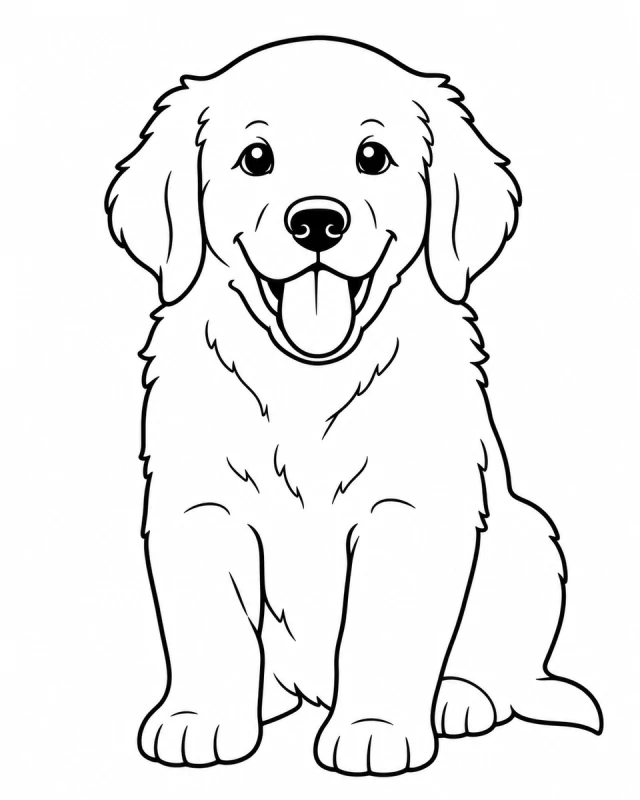
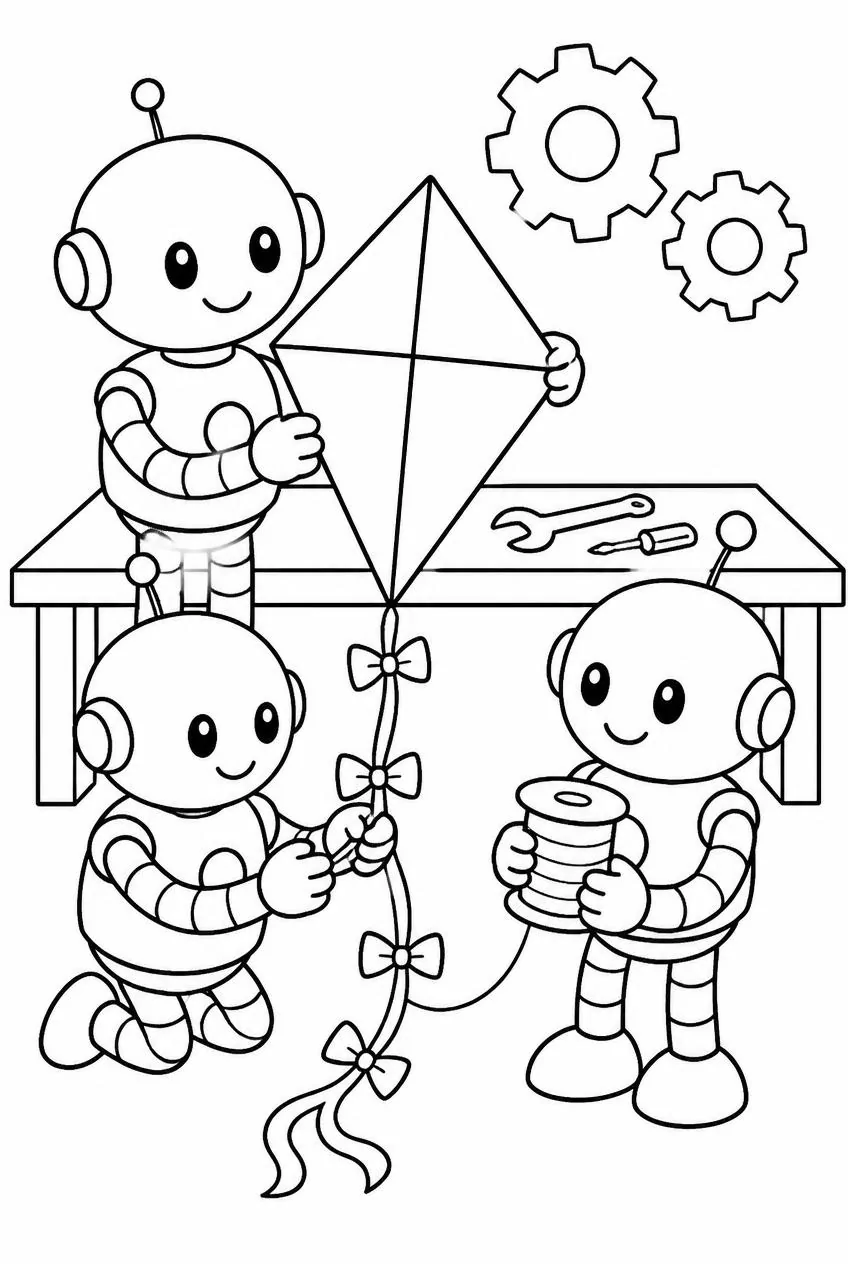
Evaluate line art against its intended use. Check whether the subject is recognizable, the main contours are clear, regions are large enough to use, and the printed page remains legible at normal size.
Key ideas
- Use a short, consistent rubric instead of relying on a single overall impression.
- Test across different subjects and source conditions; one attractive example is not a reliable evaluation set.
- Include a real print check when the promise is a printable result.
Define success before looking at samples
A useful evaluation starts with the audience and task. A page for crayons, a tracing worksheet, and a detailed art reference do not need the same amount of detail. Write down what the page must preserve and what would make it difficult to use before comparing outputs.
For photo conversion, separate likeness from finish. Likeness asks whether a viewer can still recognize the source subject. Finish asks whether the marks are clean and suitable for coloring. A result can score well on one and poorly on the other, which is why a single “looks good” rating hides useful information.
Use a five-part review
Score each dimension from 1 to 5: subject identity, contour continuity, useful open areas, detail control, and print legibility. A score of 1 means the dimension blocks the task; 3 means usable with visible compromises; 5 means it works well for the stated audience. Keep a short note beside each score.
Do not treat the average as the whole verdict. A page with excellent likeness but unusably tiny regions should not pass a young-child use case just because its other scores are high. Set a minimum for the dimensions that are essential, then use the total score to compare otherwise acceptable versions.
Build a small but varied test set
Include several categories: a single animal, a face or person, a household object, and a scene with a modest background. Within each group, vary lighting and cropping. This reveals whether the tool depends on one easy subject type or can handle ordinary photos with different shapes and textures.
Keep the original input beside each output and record the selected mode or detail setting. If people rate samples, hide the setting and randomize the order where practical. Blind comparison reduces the chance that a preferred option wins only because reviewers know which version they expect to like.
Combine human review with simple measurements
Automated checks can flag blank outputs, extreme darkness, or a page that contains almost no white space. They are useful for catching obvious failures but cannot decide whether the drawing preserved the subject’s personality or whether a child will find the regions satisfying to color.
Use human review for meaning and usability, then reserve image measurements for repeatable properties such as stroke density, page dimensions, or file validity. Keep every measurement tied to a specific decision. If a number does not help explain a failure or choose between versions, it is probably not a useful quality metric.
Test the real output path
Inspect the exported file at its intended page size. Thin strokes that look crisp on a large monitor may fade on paper; tightly packed areas may merge when printed; margins can crop the outside contour. A browser preview cannot fully represent ink, paper, and printer settings.
Record what changed after a failure and rerun the same sample when the pipeline changes. That turns a handful of subjective impressions into a small regression set. It does not prove universal quality, but it gives the team a stable way to notice when a familiar subject or format gets worse.
Try it with your photo
Turn a personal photo into clean, printable line art in your browser.