




TURN A PHOTO INTO A PRINTABLE COLORING PAGE!
Upload a photo. Our AI redraws it as clean, printable line art in about 50 seconds, ready to download as PDF or PNG.
- Never Published, Never Used to Train
- Ready in ~50 Seconds
- Print Ready A4 & Letter


Upload Your Photo
Drag & drop an image here, or click the button below
JPG, PNG or WebP · up to 20 MB · no sign-up, no account
- Used to make your pages
- Never sold, published or used for training
CHOOSE YOUR MODE
Three ways to draw the same photo — pick the one that fits the child.
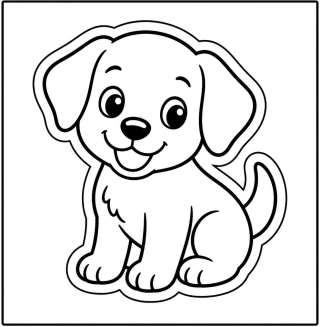
Easy Coloring (age 5–7)
Thick lines, big open areas
Chunky outlines and wide empty shapes — easy for small hands and fat crayons.
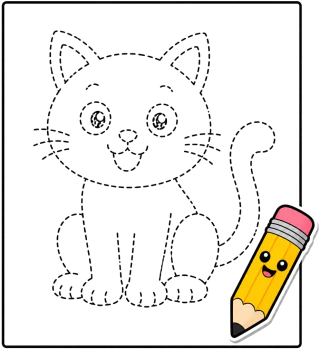
Tracing Practice
Dashed outlines, trace then color
Every outline is dashed, so kids trace the whole picture first and color it in after. Good for pencil control.
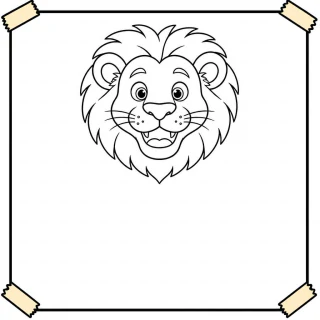
Classroom Poster
Bold outline, adaptive writing area
Based on the photo, a large blank writing area is placed on the left, right or below the image for students to add words or short sentences.

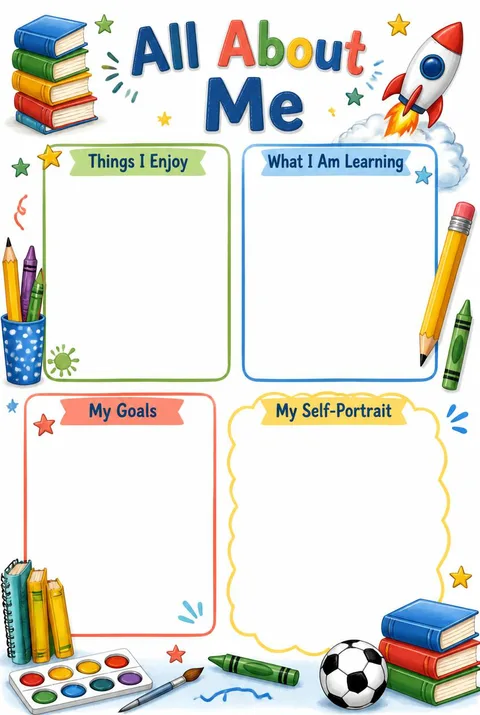
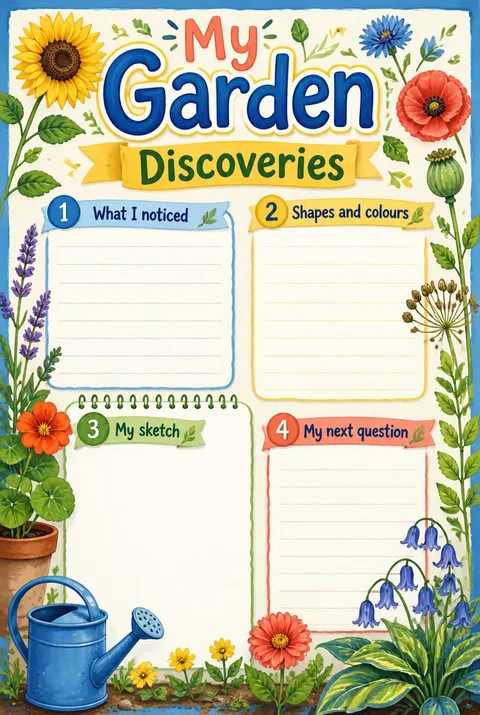
How our AI photo to coloring page converter works
Upload a photo and the AI converter redraws the subject as clean black line art on white — closed outlines, no grey wash, no leftover photo texture. Because the page is redrawn rather than filtered, an outline the camera left ambiguous still comes out closed, which is the difference between a page a child can color and one where the crayon has nowhere to stop.
Everything comes out sized for paper: a PDF laid out for A4 and US Letter with a safe margin, or a PNG if you would rather place the line art yourself. It runs online in the browser on phones, tablets and computers, with no account, no install and no watermark on what you download. Line weight and detail follow the mode you pick, so the same photo can suit a five-year-old with fat crayons or an older child working in pencil.
Questions about turning photos into coloring pages
Is ColoriZoo free, and do I need an account?
It is free and there is no sign-up. You can make 10 pages each day and download PDF or PNG files with no watermark. The ready-made printables library is free to use as well.
Can I turn any photo into a coloring page?
Most photos work, but the clearest coloring pages come from one subject in even light, with a simple background and a little space around the edges. A single pet, one face or one toy fills the page well; group shots shrink every face until the lines run together.
What do I get to download?
A print-ready PDF laid out for both A4 and US Letter, and a PNG of the line art. Neither carries a watermark, and you can print straight from the browser instead if you prefer.
Can it make color-by-number pages?
Yes. Once a page is generated, you can number its areas and print a colour key with it. It works on Easy Coloring and Classroom Poster pages, where the outlines are solid and the shapes are large enough to hold a number.
More about making coloring pages
- How to Turn a Photo into a Coloring Page
Which photos work, how to pick a style, and how to print so it colors well.
- Make a Coloring Book from Your Photos
Turn a set of photos into a printable book you can staple at home.
- Photo to Coloring Page: the Four Ways Compared
Manual editors, design tools, AI converters and libraries — what each is good at.
- Turn a Photo into a Color by Number Page
Add numbers and a printed color key to a page made from your photo.
OR START FROM A READY-MADE PAGE
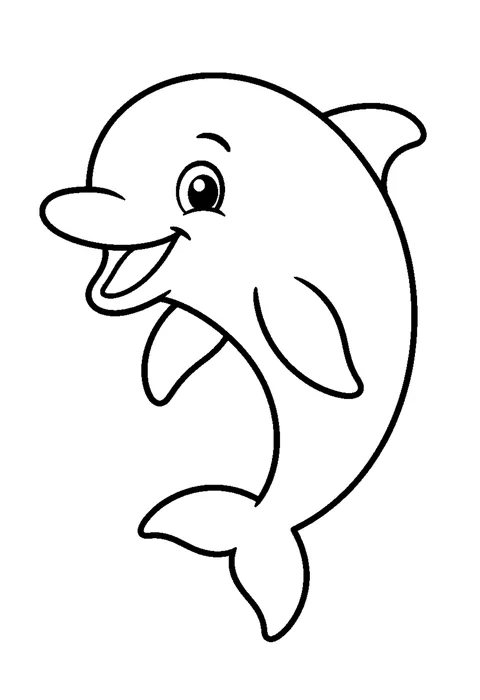
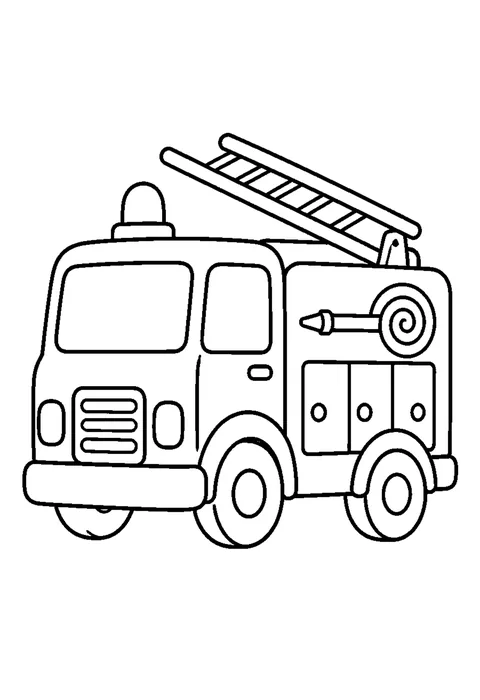
216 free printable coloring pages, sorted into 15 topics. No photo needed — pick one, print it, hand over the crayons.
Your photo is used to make your coloring pages. We never sell it, publish it or use it to train models. Service providers process it only to provide ColoriZoo. You can ask us to delete it any time — see our Privacy Policy.