
Free Picture Tracing Worksheet Generator
Turn a photo or an idea into a drawing exercise. Choose a practice style, preview the sheet, then download or print.
Up to 10 free AI generations a day, shared across ColoriZoo tools.
- No sign-up
- No watermark
- Free PDF downloads
Print single-sided to compare the two sheets side by side. Choose double-sided printing in your system print dialog if preferred.
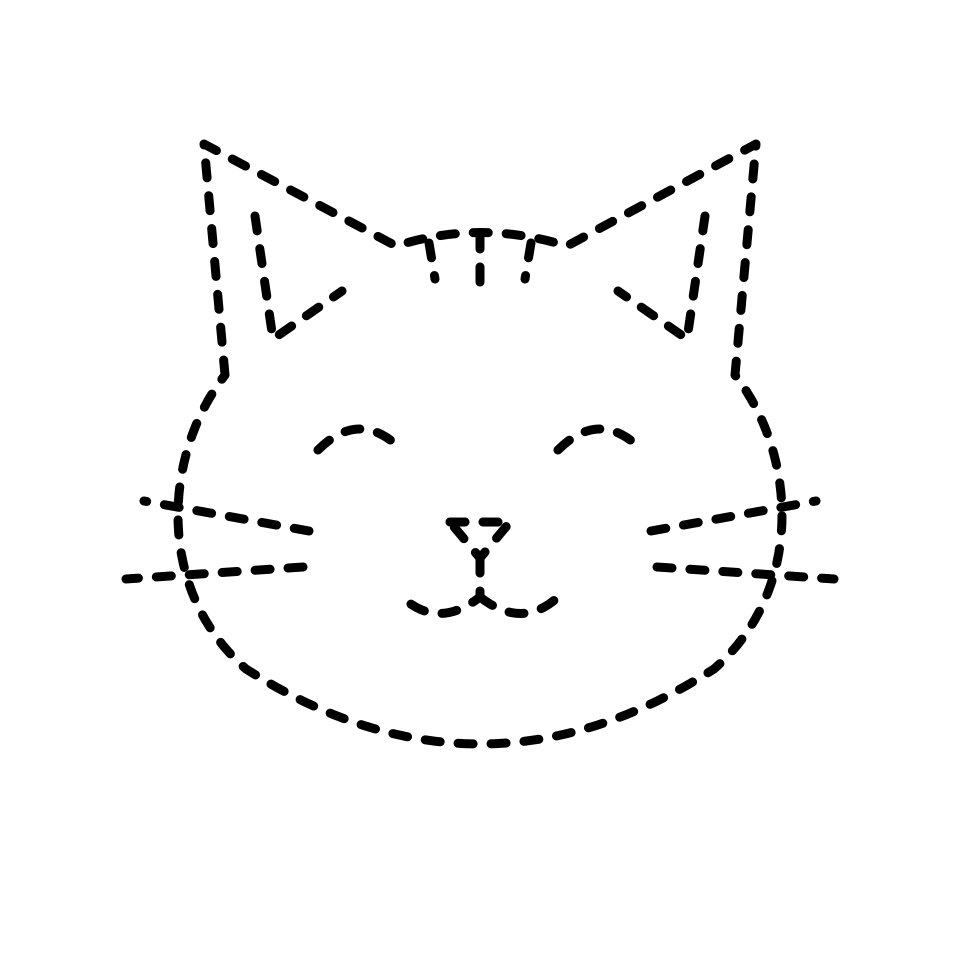
From photo to drawing practice
- Choose a clear photo or describe a subject. Select drawing practice and your preferred style.
- Review the generated outline. Adjust light-line darkness or grid density; these changes do not use another generation.
- Choose A4 or US Letter. Download the PDF or print, then trace the lines or copy the reference into the blank grid.
Before you print
Is the tracing worksheet generator free?
Yes. Each device can use up to 10 free AI generations a day, shared across coloring pages, drawing practice and school posters. Creating or regenerating artwork uses one of these generations. Trying the samples, adjusting guide darkness, grids or print layout, downloading files and printing do not use generation credits and are free.
How is grid drawing different from tracing?
Tracing provides lines to draw over. A grid worksheet gives you a reference and a matching empty grid, so you observe the position of each line and draw it yourself.
Does changing the worksheet use another generation?
Changing guide darkness, grid columns, paper size or print layout, or switching between light tracing and grid drawing uses the same solid outline. Switching between dashed and solid outlines requires a new generation.
Which worksheet should I start with?
Try dashed or light lines for guided pencil practice. Choose a simple outline with four grid columns for copying shapes. Print a test sheet: faint lines should remain visible, and the squares should leave enough room to draw.